
5 Best AI Writing Tools in 2026: Write Smarter, Not Harder
Writing a blog post, creating social media captions, drafting emails or polishing an article can take hours. AI writing tools can help you brainstorm ideas, create first drafts and improve your writing without starting from a blank page.
But not every AI writing tool is designed for the same purpose. Some are flexible assistants for everyday writing, while others focus on long-form content, grammar correction or SEO-friendly articles.
In this guide, we look at five popular AI writing tools, what makes each one useful, and which type of writer should consider trying it.
Table of Contents
1. ChatGPT — Best All-Round AI Writing Assistant
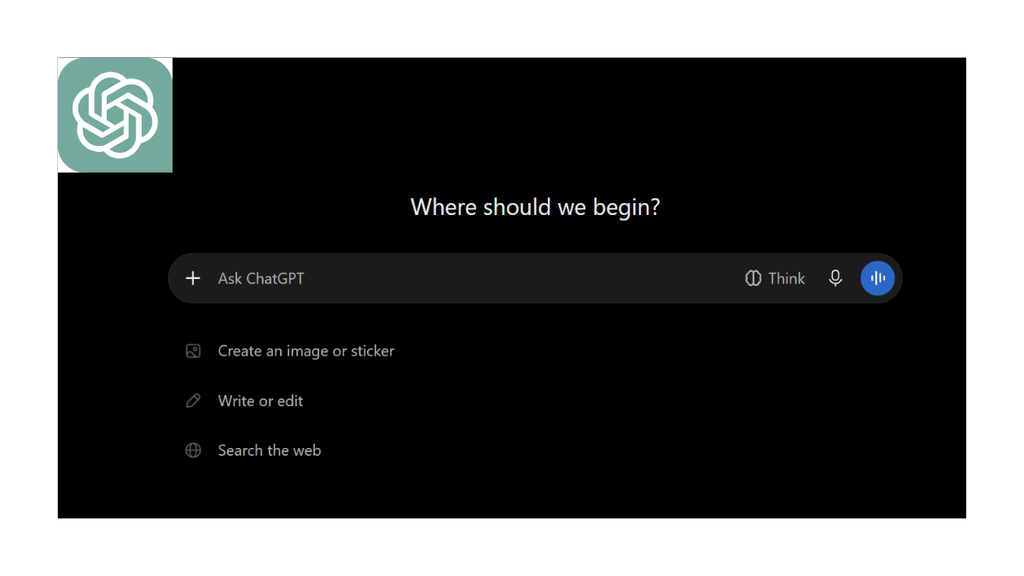
ChatGPT is a versatile writing assistant for bloggers, students, professionals and content creators. It can help generate article outlines, draft blog posts, rewrite paragraphs, brainstorm headlines and adapt content for different audiences.
Best for: Blog writing, brainstorming, emails, rewriting and general content creation.
Pros
- Handles many different writing tasks.
- Can adjust tone, format and length based on instructions.
- Useful for brainstorming and improving rough drafts.
Cons
- Generated content may sound generic without detailed instructions.
- Important facts should be checked before publishing.
Our take: A strong starting point if you want one tool for multiple writing tasks.
2. Claude — Best for Long-Form Writing
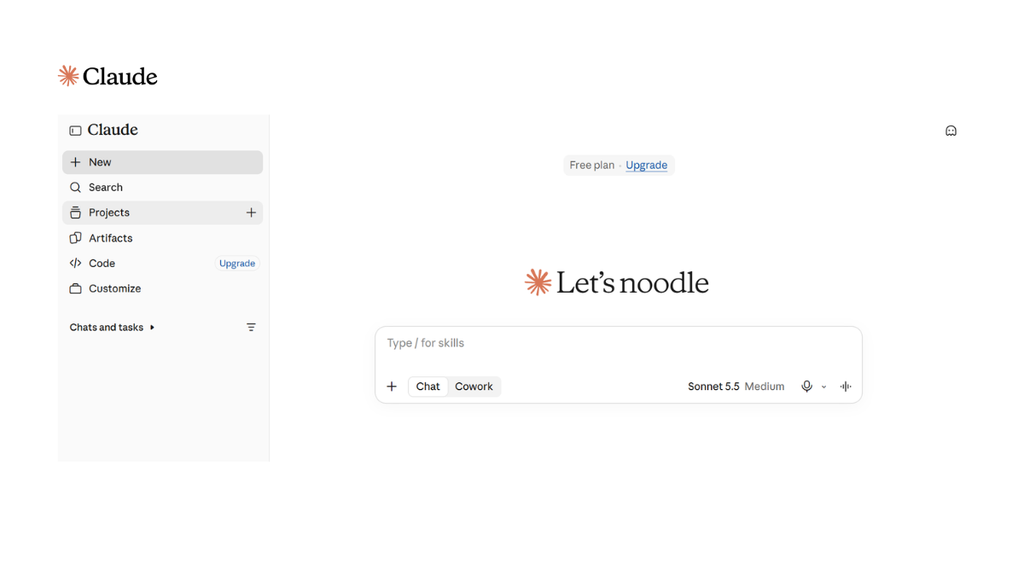
Claude is an AI assistant that can help develop detailed articles, refine paragraphs and work with longer documents. It is particularly useful when you want to improve the flow of an article, explore a topic in depth or revise a draft while maintaining a consistent tone.
Best for: Long-form articles, detailed explanations, editing and document-based writing.
Pros
- Useful for developing structured, detailed drafts.
- Can revise existing text based on specific feedback.
- Helpful for working through lengthy source material.
Cons
- Factual claims still require verification.
- Availability and usage limits depend on the selected plan.
Our take: Worth trying if your priority is producing thoughtful, well-structured long-form content.
3. Google Gemini — Best for Ideas and Everyday Productivity
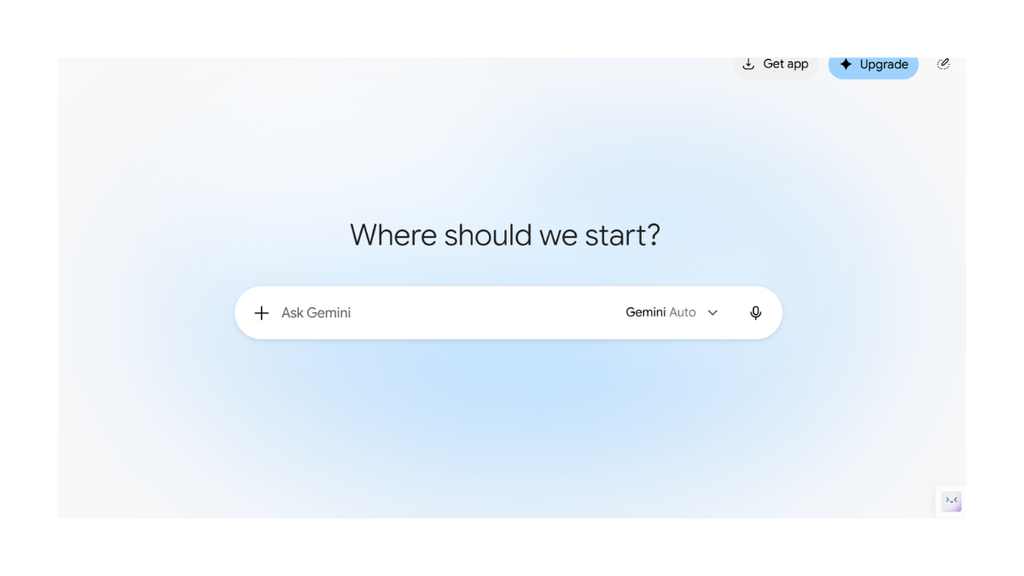
Google Gemini can help with brainstorming, drafting, summarising and rewriting. It is also worth considering if your writing workflow already involves Google services, although integrations and available features can vary by account and plan.
Best for: Brainstorming, first drafts, summaries and everyday writing assistance.
Pros
- Useful for generating ideas and exploring different angles.
- Can help organise information into outlines and summaries.
- Convenient for people who already use Google’s ecosystem.
Cons
- Generated text may need substantial editing to match your brand voice.
- Always verify facts, especially in technology news and product comparisons.
Our take: A practical option for writers who want an assistant for both idea generation and everyday productivity.
4. Grammarly — Best for Grammar and Editing
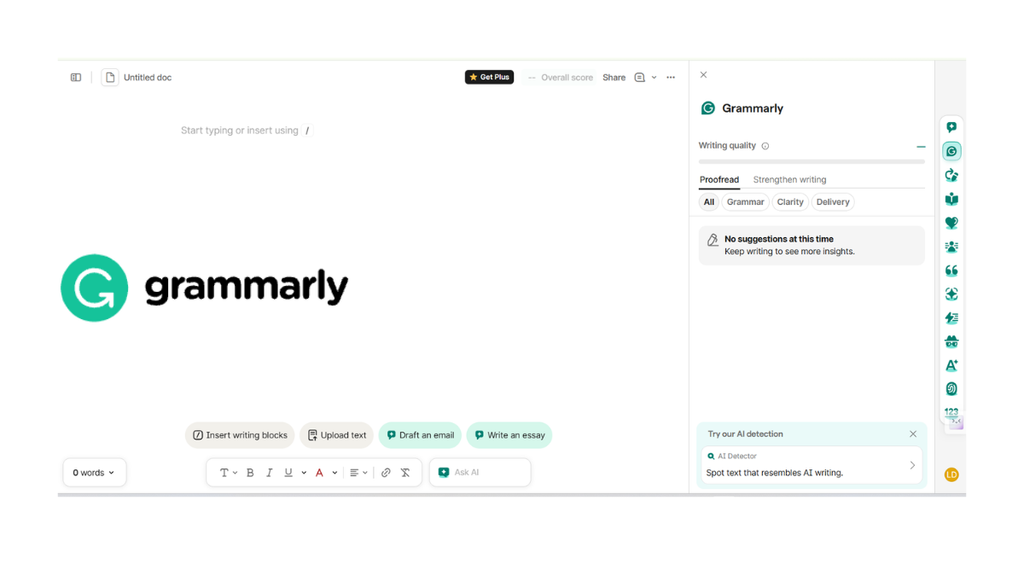
Grammarly focuses on helping you communicate more clearly. Its writing assistance can identify grammar and spelling issues, suggest clearer wording, adjust tone and help rewrite sentences.
Unlike a general-purpose chatbot, Grammarly is especially useful when you already have a draft and want to polish it.
Best for: Proofreading, grammar, clarity, professional emails and editing existing articles.
Pros
- Helps catch grammar, spelling and punctuation mistakes.
- Offers suggestions for clarity and tone.
- Useful for polishing text before publication.
Cons
- It is not a complete replacement for topic research or fact-checking.
- Some advanced features require a paid plan.
Our take: A useful editing companion for bloggers and professionals who want cleaner, more polished writing.
5. Writesonic — Best for SEO-Focused Content Workflows
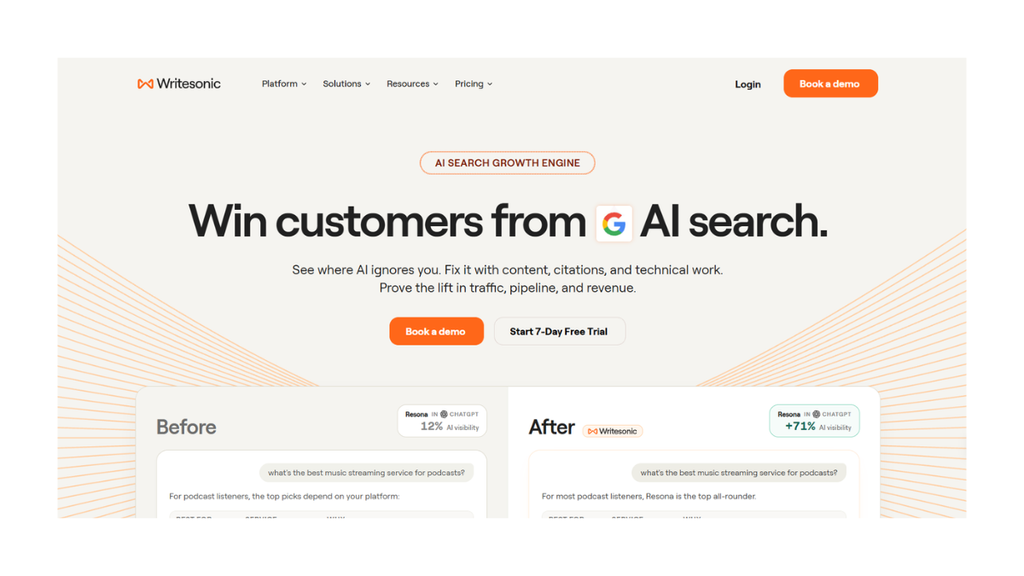
Writesonic offers AI content creation and tools aimed at SEO and AI-search visibility workflows. Depending on the current plan, it can help content teams research topics, develop article drafts and organise content optimisation tasks.
It is worth evaluating if search-driven content is a major part of your publishing strategy.
Best for: SEO-focused content workflows, article planning and content marketing.
Pros
- Designed around content marketing and search-related workflows.
- Can help speed up article planning and drafting.
- Offers specialised features beyond basic text generation.
Cons
- Advanced capabilities may require a paid subscription.
- AI-generated articles still need original insight, editing and fact-checking.
Our take: Consider it if SEO content production is central to your work. For occasional writing, a general-purpose assistant may be enough.
Quick Comparison: Which AI Writing Tool Should You Choose?
| Tool | Best use | Ideal for |
|---|---|---|
| ChatGPT | General writing and brainstorming | Bloggers and everyday users |
| Claude | Long-form drafts and revisions | Writers and researchers |
| Google Gemini | Ideas, summaries and productivity | Google ecosystem users |
| Grammarly | Grammar, clarity and editing | Professionals and editors |
| Writesonic | SEO and content workflows | Content marketers |
How to Choose the Right AI Writing Tool
Before paying for a subscription, consider what you actually need.
- For blog posts: Start with ChatGPT or Claude and test how well each follows your outline and writing style.
- For editing: Try Grammarly on an article you have already written.
- For brainstorming: Use ChatGPT or Gemini to explore different angles and headlines.
- For SEO workflows: Evaluate Writesonic alongside your existing keyword research and SEO tools.
- For budget-conscious users: Test available free access before upgrading. Limits and included features can change.
You do not necessarily need five subscriptions. One general-purpose writing assistant and one editing tool may be enough for many individual creators.
Can AI Writing Tools Replace Human Writers?
AI tools can speed up drafting, brainstorming and editing, but they do not automatically guarantee original insights, accurate facts or a strong reader experience.
The best workflow is to use AI for assistance, verify important information, add your own perspective and edit the final draft before publishing. For technology blogs, double-check product specifications, release dates, pricing and claims against official sources.
Search performance also depends on usefulness, originality, trust and the overall quality of the website—not simply on whether AI helped write an article.
Final Verdict
There is no single AI writing tool that is best for everyone.
ChatGPT is a flexible starting point, Claude is worth exploring for long-form writing, Gemini helps with brainstorming and everyday productivity, Grammarly improves existing drafts, and Writesonic is designed for more specialised content and SEO workflows.
Our recommendation: Pick one tool, test it on a real writing task and compare the quality of its output before paying for a plan. The goal is not to publish more words automatically—it is to produce better content with less unnecessary effort.
Note: Features, plan limits and pricing may change. Check each tool’s official website for the latest details before subscribing.